If you leave Hollywood Disruption open without using it for a while, it signs you out. Before it does, a window asks Are you still there? and counts down, so you can stay signed in or save your work first. This page explains when that happens, what each button in the window does, and what the sign-in page tells you afterwards.
Why you're signed out
Signing out an unattended computer keeps your screenplays and your account safe if you walk away from it. By default you're signed out after 50 minutes without activity: no typing, clicking, scrolling or moving the mouse.
A production company can choose a shorter time for its members, anywhere from 15 to 50 minutes. If you belong to a company that has done so, its time applies to you everywhere in Hollywood Disruption, not only on that company's pages. If you belong to several companies, the shortest time among them is the one that applies.
Activity in any tab counts. If you have Hollywood Disruption open in two tabs of the same browser and you're working in one, the other won't sign you out.
When the "Are you still there?" window opens
The window opens 10 minutes before you would be signed out: after 40 idle minutes with the 50-minute default. If your time is 20 minutes or less, it opens halfway instead, so with a 15-minute time you see it after 7½ idle minutes.
The window shows how long you have left, counting down by the second: "Your session will expire in 9:59 due to inactivity."
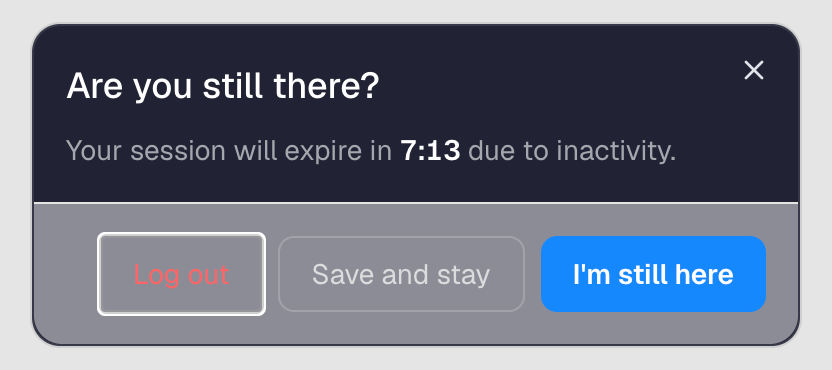
Once the window is open, moving the mouse or typing doesn't close it. Choose one of its buttons.
The three buttons
Log out
Signs you out straight away and takes you to the sign-in page.
Save and stay
Saves the line you were typing and keeps you signed in. While it saves, the button reads Saving…. Then the window shows one of three results:
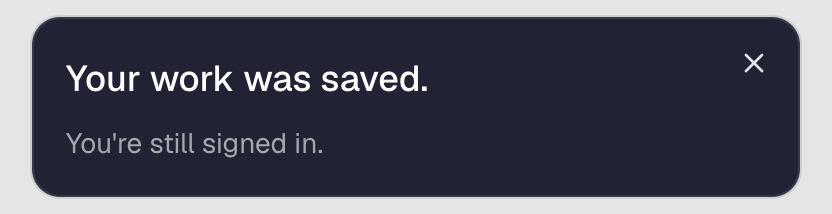
Your work was saved. with You're still signed in. underneath: the line you were working on is saved.
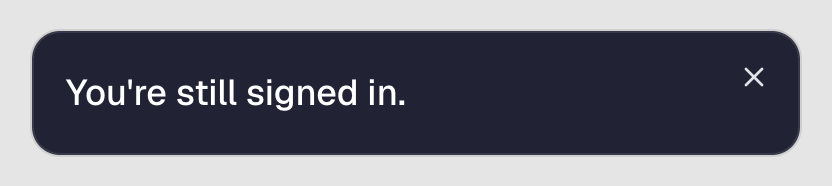
You're still signed in. on its own: there was nothing left to save, so you simply stay signed in.
Your work couldn't be saved. Try again. in red, under the countdown: the save didn't go through (for example, your connection dropped). The window stays open and its countdown starts again from your full time. Choose Save and stay again.
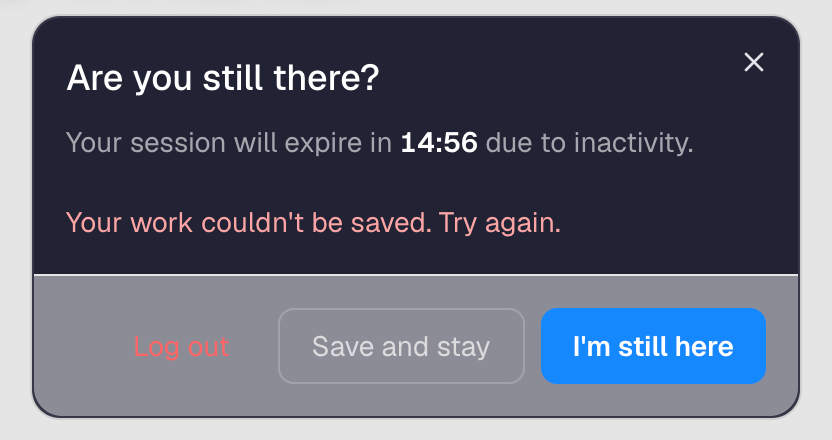
Close the message with its ✕ when you've read it.
I'm still here
Closes the window and keeps you signed in. The idle time starts again from zero.
Closing the window with its ✕ does the same.
When the countdown runs out
If you don't choose a button before the countdown reaches zero, Hollywood Disruption first saves the line you were typing. If there was something to save, the window shows Your work was saved. with Signing you out now… for a moment. Then you're signed out.
The sign-in page then tells you why: "You were signed out after 15 minutes of inactivity. Sign in again to continue.", with your own number of minutes.
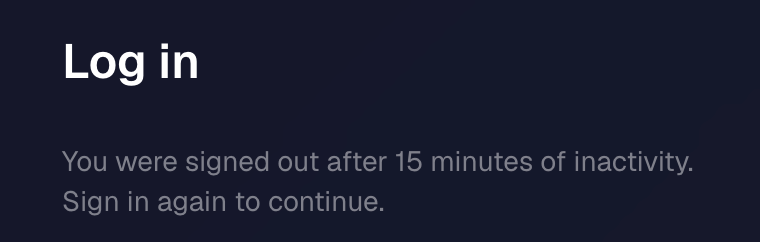
Sign in again to carry on.
Things that may surprise you
- Nothing signs you out while you're working offline on purpose. If you've turned on Offline mode yourself, the window doesn't open and you aren't signed out, however long you're away. Your changes need your session to reach the server when you go back online.
- Moving the mouse doesn't close the window. Only its buttons, or its ✕, do.
- A company's screenplay can lock without signing you out. Some companies also lock their screenplays after a set time without activity. That's a different screen, This screenplay is locked, and you stay signed in to everything else. See Locked screenplays.
For company owners: changing the time
The owner of a company chooses its time on the company's page, in the Idle sign-out card. Choose Default (50 minutes) or a shorter time, from 45 minutes down to 15. The choice saves as soon as you pick it. You can shorten the 50-minute default, but not lengthen it.
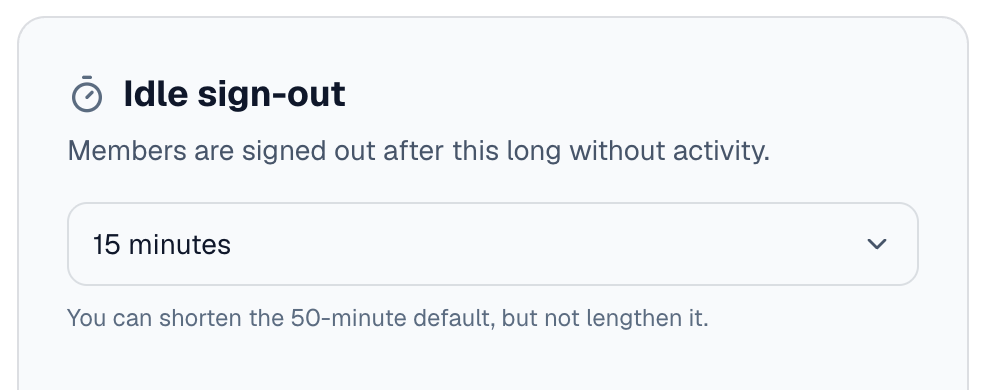
Members of the company see a single line instead of the choice, for example: "This company signs members out after 15 minutes without activity."